
Remini AI vs Adobe Photoshop Express Features Comparison
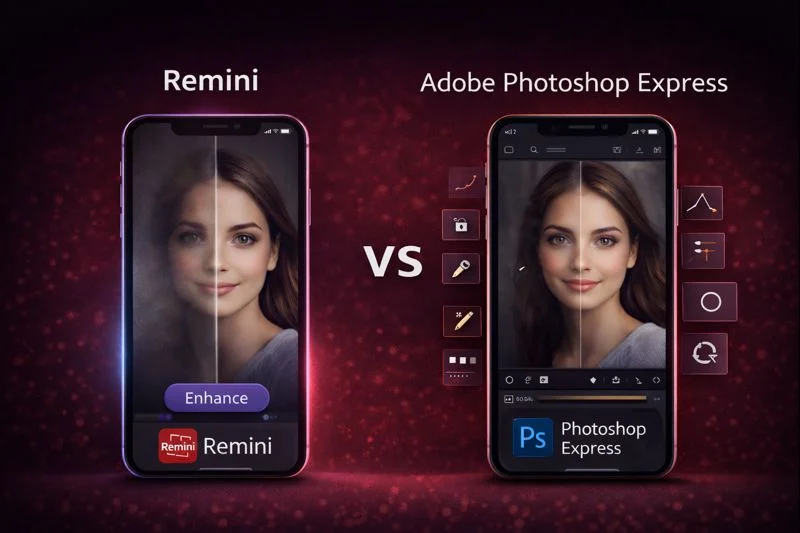
Remini AI Premium Unlocked APK and Adobe Photoshop Express solve two different problems. Remini focuses on AI photo restoration, face sharpening, and fixing blurry or old photos in seconds.
Photoshop Express is part of Adobe’s editing ecosystem and gives manual control over color, retouching, and filters.
One works like a repair tool. The other works like a creative editor. The difference becomes obvious when editing portraits, social media photos, or scanned images.
How Remini and Photoshop Express Improve Your Photos or Videos?
Remini AI
Remini focuses on automatic improvement. Everything revolves around high clarity, face detail, noise reduction, texture recovery, and fixing low resolution images with one tap. It feels like an instant upgrade for portraits and old memories.
Photoshop Express
Photoshop Express feels more hands on. You move sliders, adjust colors, heal spots, tune shadows, crop creatively, and use Adobe’s familiar toolkit for detailed control. It is better for people who enjoy shaping the final look.
Quick Comparison Table
| Category | Remini AI | Photoshop Express |
|---|---|---|
| Enhancement Style | Automatic AI clarity | Manual creative editing |
| Best For | Portraits, old photos, low quality images | Color corrections, retouching, creative designs |
| Learning Curve | Very easy | Moderate |
| Output Look | Natural and sharp | Stylized or polished |
AI Enhancement, Restoration, and Photo Quality
Remini specializes in portrait clarity. It boosts eyes, fixes skin texture, reduces blur, and restores old printed photos.
Many users rely on it before uploading profile pictures or digitizing family albums.
Photoshop Express can enhance images, but the improvement depends on how well you use its tools.
It gives strong results with color tuning, clarity sliders, healing tools, grain control, and texture adjustments. It is more about personal control than automation.
Read More: Remini AI vs VSCO AI App Free & Paid Features Comparison
AI Enhancement Comparison
| Feature | Remini AI | Photoshop Express |
|---|---|---|
| AI Restoration | Strong face and detail recovery | Light AI adjustments |
| Old Photo Recovery | Very high success rate | Basic enhancements only |
| Noise Reduction | Automatic | Manual sliders |
| Sharpness | AI driven | User controlled |
Creative Tools, Filters, and Manual Editing
Remini keeps tools simple. A few AI filters, background changes, and some style options. Nothing overwhelming.
Photoshop Express is packed with creative tools. Healing, selective adjustments, curves, color mix, blur, vignette, grain, and a huge library of filters.
The app feels like a lighter version of Adobe Lightroom mixed with Photoshop features.
Editing Tools Comparison
| Category | Remini AI | Photoshop Express |
|---|---|---|
| Manual Editing | Limited | Wide range of tools |
| Healing Tool | Not available | Yes |
| Selective Adjustments | Yes | Yes |
| Filters and Looks | Many | Large library |
| Background Control | Yes | Yes |
Which App Users Prefer in Real Life?
Based on discussions from Reddit communities, G2 reviews, Adobe forums, and feedback from photographers, freelancers, and students, the pattern stays the same.
People who want fast clarity, face recovery, and effortless enhancement often prefer Remini because it fixes portraits and old photos without technical steps.
Many freelancers and small creators even use both together, Remini for the first clean enhancement and Photoshop Express for the final creative touch.
Speed, Processing, and Real Use Performance
Remini works quickly on strong devices but may slow down on older phones because it depends on its AI servers.
There is a solution for older device users, they can download multiple Remini old versions according to their device capacity to use is smoothly
Photoshop Express feels smooth for most operations and works offline. Heavy RAW images or multiple adjustments may take slightly more time.
Performance Comparison
| Area | Remini | Photoshop Express |
| Processing Speed | Fast for AI tasks | Steady for manual edits |
| Offline Editing | Mostly no | Yes |
| Batch Editing | Yes (Pro) | No |
Free vs Paid Features
Remini unlocks its best clarity tools and batch enhancements in the paid version. The free version is still useful but limited.
And if you use the Remini Mod APK Pro Unlocked Version you get full access to all premium features without restrictions.
Photoshop Express is mostly free, with optional premium packs for advanced retouching and effects.
Pricing and Features Comparison
| Category | Remini | Photoshop Express |
| Free Version | Limited enhancements | Many core tools available |
| Premium Version | High clarity and batch tools | Optional packs |
| Value for Money | Strong for portrait restoration | Strong for creative control |
Which App is best for Photo Editing in 2026
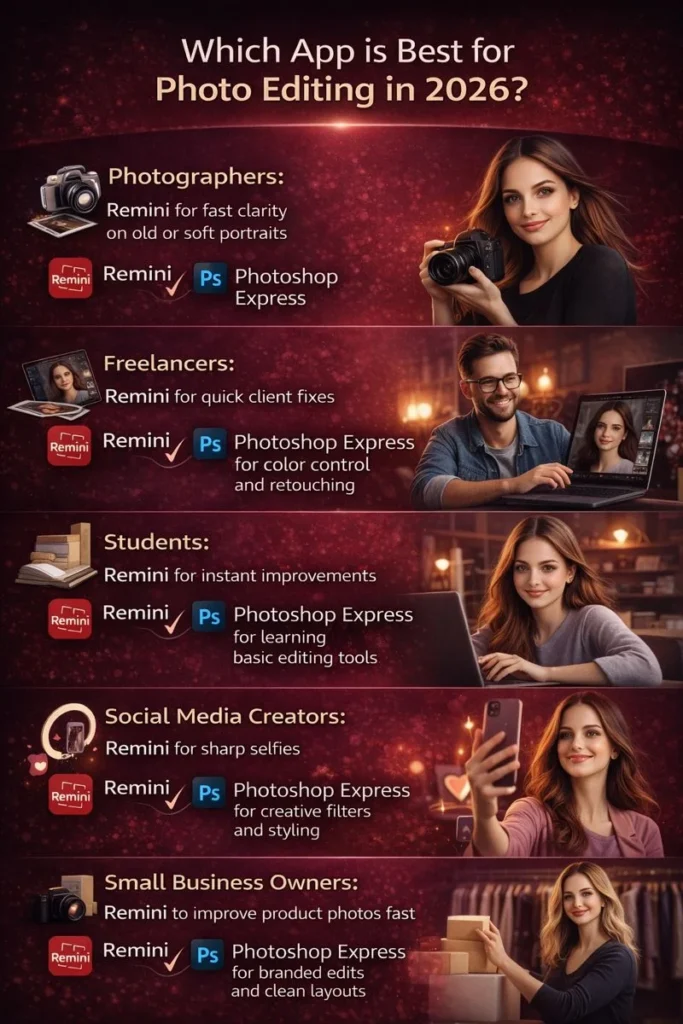
Photographers: Often use Remini for fast clarity on old or soft portraits, and Photoshop Express for color control and retouching.
Freelancers: Pick Remini for quick client fixes and Photoshop Express when detailed edits are required.
Students: Use Remini for instant improvements and Photoshop Express for learning basic editing tools.
Social media creators: Rely on Remini for sharp selfies and Photoshop Express for creative filters and styling.
Small business owners: Use Remini to improve product photos fast and Photoshop Express for branded edits and clean layouts.
My Testing Experience
Tests were done on mid-range Android and iOS devices to see how both apps perform in normal conditions.
Each tool was tested with low-light portraits, old scanned photos, and everyday mobile shots so the results reflect what regular users experience, not studio-level setups.
How to Use Remini (Official App and Mod APK)
Remini is simple for beginners. You can use it in two ways. The official version is available on Play Store and App Store.
If you want the premium tools without paying, you can download the Remini Mod APK from this site and unlock all pro features.
Steps to get started as a beginner
- Install Remini from Play Store, App Store or Remini Mod APK from this site.
- Open the app and choose the Enhance option on the home screen.
- Select the photo you want to fix from your gallery.
- Wait for Remini to process the image and preview the result.
- Save the final enhanced photo to your device or share it anywhere you want.
If you want to use it on the web, open the Remini online editor, upload your image, choose the enhancement tool, and download the final result.
How to Use Adobe Photoshop Express
Photoshop Express is available on Play Store, App Store and Windows Store. It also offers a web version for quick edits.
Beginners like it because you can start simple and explore more tools whenever you want.
Steps to use Photoshop Express
- Install Photoshop Express on your device or open it on the web.
- Import your photo from the gallery or local files.
- Tap the basic tools like Crop, Adjust, Heal or Filters to start editing.
- Move the sliders to control color, brightness or texture.
- Save the edited photo in high quality on your device.
You can log in with an Adobe account to access more tools and cloud features.
Pros and Cons of Remini
Pros
- Very strong AI clarity for faces.
- Great for old photos.
- Fast results.
- Simple for beginners.
Cons
- Limited creative tools.
- Internet required for many tasks.
- Best quality is available in the paid version.
Pros and Cons of Photoshop Express
Pros
- Powerful manual editing tools.
- Works offline.
- Healing and selective adjustments.
- Creative filters and color control.
Cons
- Not ideal for automatic restoration.
- Needs skill for best results.
- Some features require premium access.
Which One Should You Choose
Choose Remini if you want quick clarity, face recovery, and AI restoration without learning complex tools.
It sharpens portraits, fixes low-resolution photos, and works fast for everyday users.
If you are a professional designer or freelancer doing quick client projects or side-hustle edits, Remini gives you fast results without spending too much time on manual adjustments.
Choose Photoshop Express if you enjoy editing creatively and want more control over colors, textures, retouching, and styling.
It suits professionals who handle client work, product photos, brand shoots, or need portable editing tools that match Adobe’s ecosystem.
Practical Tip: Many users use both. They restore photos in Remini first, then add creative touches in Photoshop Express.
Conclusion
Remini is the stronger choice for anyone who wants instant clarity, face recovery, restored memories, and high quality AI enhancement without technical work. Adobe Photoshop Express is better for users who enjoy editing creatively and need manual tools for color control, retouching, textures, overlays, and stylistic adjustments. If your main goal is to boost photo quality fast with reliable AI, Remini gives you better results. If you prefer hands-on editing with Adobe’s professional style, Photoshop Express fits that workflow. Both apps are useful in different ways, but for pure enhancement power, Remini is the more effective option.